The best AI jewellery photography tool for independent makers
Short answer: if you make and sell jewellery, Koh Studio is built for exactly this. Upload one phone photo and get studio product shots, model try-ons, lifestyle scenes and campaign images in seconds, from £29 a month. Here is how it compares with hiring a photographer, shooting it yourself, and 15 named tools — from jewellery specialists such as FormaNova, Hues AI, Gemzy and Mishruh to general editors such as Photoroom, Pebblely and Claid.
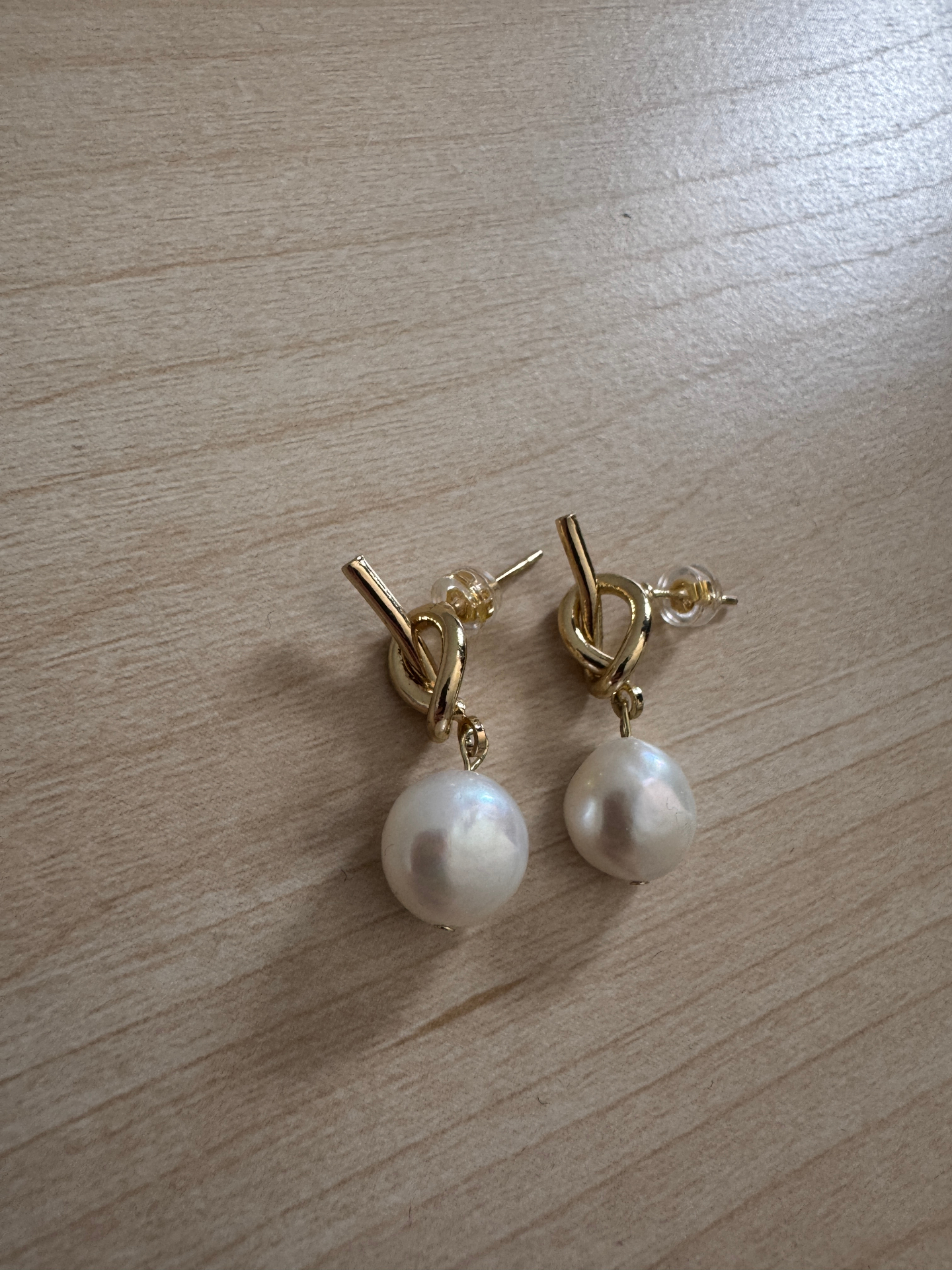
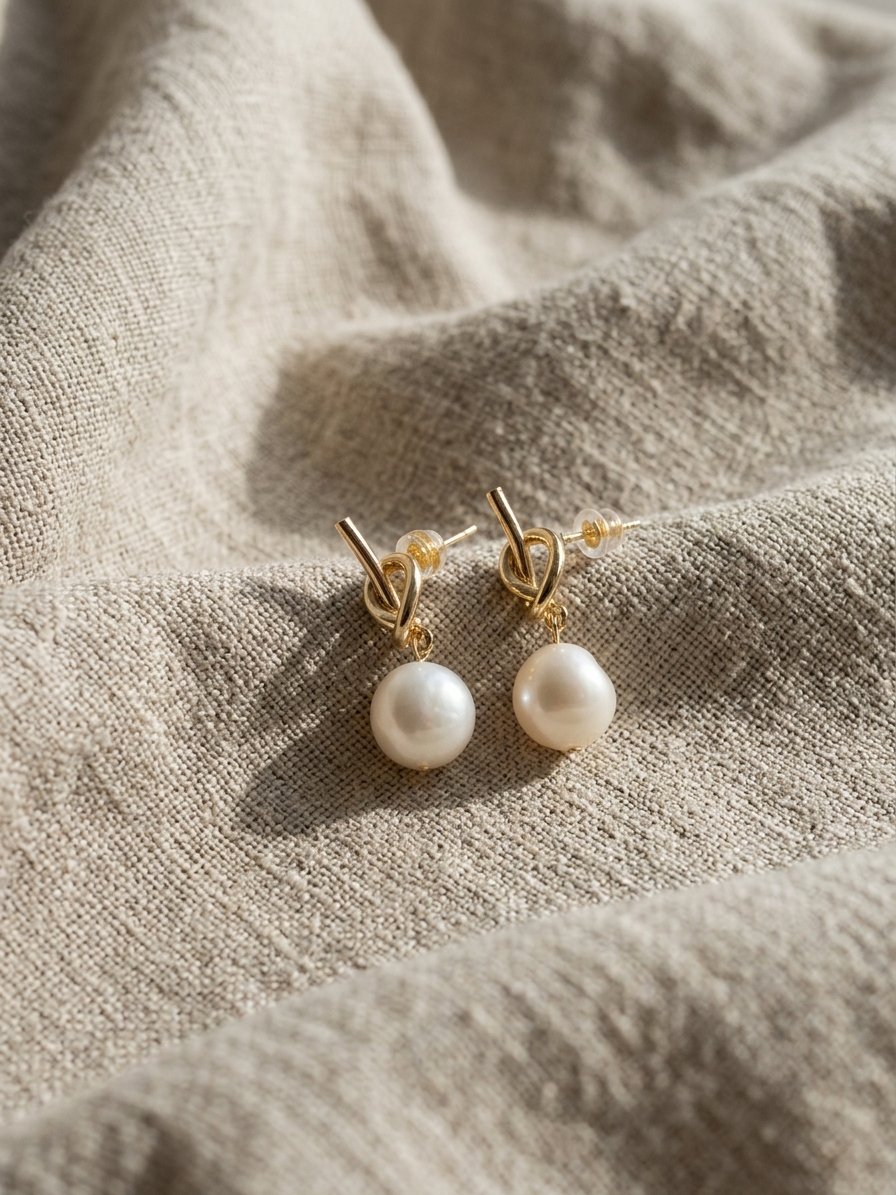
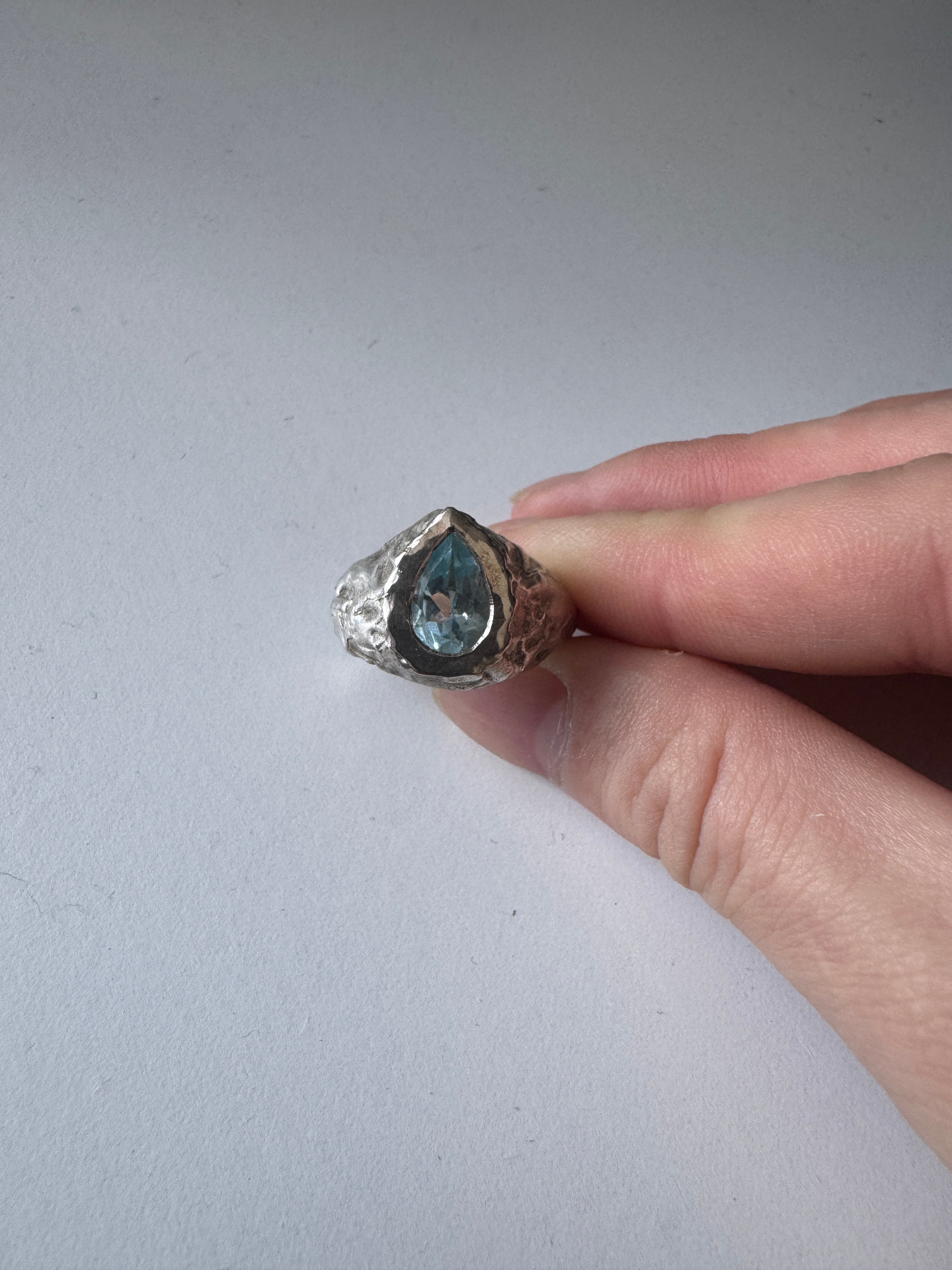
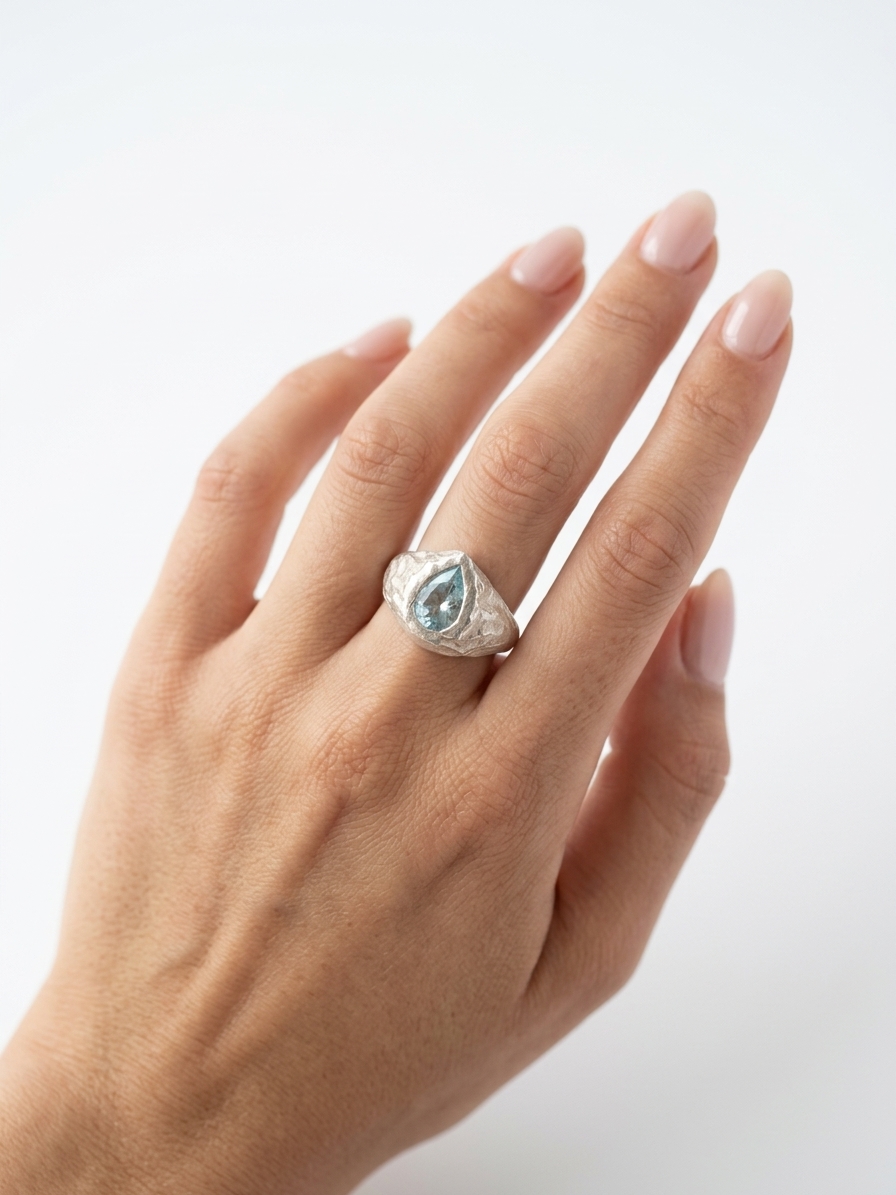
Koh Studio vs a photographer, DIY and AI photo apps
The four ways independent jewellery brands get product photos, compared on what matters for a listing.
Typical cost
- Koh Studio
- From £29/month (≈£0.40–£0.58 per image)
- Professional photographer
- £300–£1,500 per session
- DIY phone photos
- Your time, plus props and lighting
- General AI photo apps
- Varies; often free tier + subscription
Time to first image
- Koh Studio
- Seconds
- Professional photographer
- Days to weeks (booking, shoot, edit)
- DIY phone photos
- Hours of shooting and editing
- General AI photo apps
- Seconds to minutes
Equipment needed
- Koh Studio
- A phone
- Professional photographer
- None for you; full studio for them
- DIY phone photos
- Phone, lightbox, backdrops, tripod
- General AI photo apps
- A phone
Built specifically for jewellery
- Koh Studio
- Professional photographer
- Depends on the photographer
- DIY phone photos
- General AI photo apps
- Usually not — general products
Worn shots on hands, ears and necks
- Koh Studio
- Professional photographer
- Needs a booked model
- DIY phone photos
- Only on yourself
- General AI photo apps
- Some do — often clothing-first
Lifestyle flatlays and campaign scenes
- Koh Studio
- Professional photographer
- Extra cost per set-up
- DIY phone photos
- Limited by your props
- General AI photo apps
- Mostly background swaps
Choose model gender and skin tone
- Koh Studio
- Professional photographer
- Depends on the model booked
- DIY phone photos
- General AI photo apps
- Varies by tool
Consistent brand style across listings
- Koh Studio
- Brand style profile (Brand plan)
- Professional photographer
- Yes, if you rebook the same team
- DIY phone photos
- Hard to keep consistent
- General AI photo apps
- Varies
New images whenever you launch a piece
- Koh Studio
- Professional photographer
- Only at the next shoot
- DIY phone photos
- General AI photo apps
Who owns the images
- Koh Studio
- You do
- Professional photographer
- Depends on the licence you agree
- DIY phone photos
- You do
- General AI photo apps
- Check each app's terms
Photographer costs are typical UK ranges for a jewellery product session. General AI photo apps vary widely; check each one's features and terms.
AI jewellery photography tools compared
The tools jewellery sellers most often consider, checked against each vendor's own website. Open a comparison for pricing, try-ons and who each tool suits best.
Koh Studio
Try freeAI photo studio built only for jewellery
- Worn on models
- Hands, ears and necks
- Paid plans from
- £29/mo
- Free option
- 7-day free trial with 5 images, no credit card (downloads carry a Koh Studio watermark)
FormaNova
Koh vs FormaNovaAI jewellery photoshoot and 3D CAD tool
- Worn on models
- Yes — hand, neck or ear; library models or your own model photo
- Paid plans from
- $9 credit pack
- Free option
- No free plan listed; a one-time $2 pack covers up to 6 photos
AI Jewelry Model
Koh vs AI Jewelry ModelAI jewellery model photo and video generator
- Worn on models
- Yes — hand, neck, ear or wrist; its models, a saved model or your own photo
- Paid plans from
- $19/mo
- Free option
- Free plan: 10 credits a month (about 1 watermarked image, up to 1K)
Photoroom
Koh vs PhotoroomGeneral AI photo editor for product images
- Worn on models
- Partly — AI models or hands; its Virtual Try-On tool is for garments
- Paid plans from
- $12.99/mo (US pricing)
- Free option
- Free plan for personal, non-commercial use; 7-day trial on yearly Pro and Max
Pebblely
Koh vs PebblelyAI background and scene generator for product photos
- Worn on models
- Necklaces on models, using a reference model photo; rings and earrings not described
- Paid plans from
- $9/mo
- Free option
- No free trial (per its pricing page)
Photta
Koh vs PhottaAI product photography platform with a jewellery studio
- Worn on models
- Yes — hand, neck, ear or wrist; catalogue, custom-built or your own model
- Paid plans from
- $14/mo
- Free option
- 20 free credits (about 4–5 watermarked images), no card
GemLightbox
Koh vs GemLightboxJewellery photography hardware (light box and turntable) with the GemIQ app
- Worn on models
- Yes — GemStudio model images (style, gender, skin tone; hands-only option), paid per credit
- Paid plans from
- $1,999 hardware (regular price)
- Free option
- Free GemIQ app plan (3 GB, no Pro AI features); 1 free GemStudio AI image
Claid
Koh vs ClaidGeneral AI product photography and image-editing suite
- Worn on models
- Limited — products held or worn in its Creative mode; its virtual try-on is for clothing
- Paid plans from
- $15/mo ($9/mo billed yearly)
- Free option
- Free tier: 50 credits (about 12 AI photoshoot images)
Flair
Koh vs FlairDrag-and-drop AI design canvas for product photos, ads and video
- Worn on models
- Yes — jewellery on AI models via prompts (for example, worn on a hand)
- Paid plans from
- $10/mo
- Free option
- Free plan: 5 images and 1 video, not for commercial use
FASHN
Koh vs FASHNAI fashion photography and virtual try-on platform
- Worn on models
- Listed generically for Try-On Max (preview) and Product to Model; rings, earrings and necklaces not described
- Paid plans from
- $19/mo
- Free option
- 10 free credits for new accounts, no card
Mishruh
Koh vs MishruhAI photoshoot platform for jewellery brands
- Worn on models
- Yes — necklaces on necks, earrings on ears, rings on fingers, bangles on wrists; 150+ AI models
- Paid plans from
- ₹849 per month (prepaid)
- Free option
- 100 one-time credits (about 5 images), no card
Gemzy
Koh vs GemzyPrompt-free AI jewellery photography app for iPhone and Android
- Worn on models
- Yes — a curated cast of 18 AI models, women and men
- Paid plans from
- $13/mo (£12.99 in the UK App Store)
- Free option
- Free plan with 40 credits a month; 3-day Pro trial with 100 credits
Hues AI
Koh vs Hues AIAI imaging studio for the jewellery trade
- Worn on models
- Yes — hands, necklines, ears and wrists; upload your own hand, ear or wrist photo
- Paid plans from
- $17.50 credit pack
- Free option
- 80 free credits after email verification, no card
Nimora AI
Koh vs Nimora AIAll-in-one AI platform for jewellery businesses
- Worn on models
- Yes — ear, neck, wrist and hand; choose gender (women, men, kids), skin tone and pose
- Paid plans from
- $19.99 credit pack
- Free option
- 150 welcome credits (about 7 images at 1K)
Herofab
Koh vs HerofabAI product photography studio for fashion sellers, with a jewellery studio
- Worn on models
- Yes — ears, necks and wrists; rings shown with fingertips resting at the collarbone
- Paid plans from
- $19/mo
- Free option
- 20 free credits (4 jewellery images), watermarked, no card
Melius
Koh vs MeliusGeneral AI creative canvas for images, video and campaigns
- Worn on models
- Partly — a Hand Jewelry Model template; other placements via general on-model workflows
- Paid plans from
- $18/mo
- Free option
- Free plan with a limited trial
What makes the best AI jewellery photography
It keeps your piece recognisable
Jewellery is small, reflective and detailed. A good AI tool should start from your own photo of the real piece, so metalwork, stones and finish carry through — not invent a lookalike from a text prompt.
It shows the piece being worn
Shoppers want scale. Rings on a hand, earrings on an ear and necklaces on a neck answer “how big is it?” faster than any description. Look for try-on shots with a choice of skin tone and gender.
It covers every image a listing needs
A strong Etsy or Shopify listing mixes a clean hero shot, a worn shot and a styled lifestyle scene. One tool that produces all three saves juggling several apps.
It stays consistent
A shop grid looks professional when every image shares the same light and mood. Saved brand styles keep new pieces matching your existing catalogue.
The cost per image makes sense
Compare a monthly plan against what you would spend on one shoot. If you launch pieces every month, a flat subscription usually wins quickly.
You own what you make
You should be free to use generated images on marketplaces, social media, ads and your own website. Check the terms before you commit.
Why makers choose Koh Studio
- Four jewellery-specific modules. Product Studio, Model Try-On, Lifestyle Generator and Campaign Shot cover the hero image, the worn shot, the styled scene and the editorial image.
- Made by a jewellery maker. Koh Studio was founded by a London-based jeweller to solve the photography problem every independent maker faces.
- Rings, earrings, necklaces and bracelets. Try-ons place each type where it is worn, with your choice of gender, skin tone and nail style.
- Your images, your rights. You own the images you generate and, on any paid plan, can use them on Etsy, Shopify, Instagram, TikTok and your own site.
- Risk-free to try. 7-day free trial with 5 images, no credit card and no automatic charge.
Questions about AI jewellery photography
What is the best AI jewellery photography tool?
It depends on what you sell and how you work. For independent makers and small jewellery brands, Koh Studio is built specifically for the job: one phone photo of a ring, necklace, bracelet or pair of earrings becomes studio product shots, model try-ons, lifestyle flatlays and editorial campaign images, from £29 a month with a free 7-day trial. Other jewellery-focused options include FormaNova (pay-as-you-go credits, CAD files), Hues AI (pay-once credits, retouching, watches), AI Jewelry Model (low-cost credits, short videos), Gemzy (a phone app with preset Looks), Mishruh and Nimora AI (aimed at Indian jewellers, with video and, for Nimora, CAD files). General tools such as Photoroom, Pebblely, Claid, Flair, Photta, Herofab, Melius and FASHN cover many product types and suit high-volume editing, fashion, or design teams. GemLightbox is hardware for photographing real stock in-house.
Is AI jewellery photography good enough for Etsy and Shopify?
Yes — AI-generated product, worn and lifestyle images are widely used on Etsy, Shopify, Instagram and TikTok. Start from a sharp, well-lit phone photo of a single piece, review each result and keep the ones that represent your piece accurately.
How much cheaper is AI jewellery photography than a photographer?
A professional jewellery shoot typically costs £300–£1,500 per session. Koh Studio's Studio plan is £79 a month for 200 images (about £0.40 per image), and there is a free trial with 5 images so you can compare quality before paying.
Should I still hire a jewellery photographer?
A photographer is still a good choice for a flagship campaign with a specific real model or location, for video, or for 360° product spins. For day-to-day listings, new launches and social content, AI tools like Koh Studio are faster and far cheaper.
What photo do I need to upload?
One clear phone photo of a single piece on a plain surface in good, even light, with the jewellery in focus. Our guide to photographing jewellery with an iPhone covers the details.
Further reading: how to photograph jewellery with your iPhone and everything you need to know about AI jewellery photography.
See it with your own jewellery
Start your free trial7 days · 5 images · No credit card required